Mentor Comments
Kyle:
-Shot 1 ends too abruptly
-Shot 3 needs more ai concept to really nail the idea down
-Be careful on the pop up for shot 5, ending needs to be killer with mome student's
help
-Figure out transition from shot 1, but keep the cool camera movement
-Textures in opening shot need work
-Make sure to do motion blur in render
Beck:
-Like that the flower is back!
-More organic shader on shot 5, feels unrealistic and not pretty
-Bubble material looks a bit thin
-Utilize velocity blur when rendering out with karma
Hailey:
-For shot 3 you should feels the weight of the ring on the flower
Joleen:
-More natural drop and secondary motion for shot 3
Heather:
-Shot 5 needs love
To Do
Team:
-Fx work on flower based on critique ( weight, opening if flower, physics)
-Work on Camera Transitions (mainly 1-3 and ending shot)
-Background generations for the shots
-Figure out render aovs and blurring issues
-Update textures for new shot as well as materials for existing
-Work on shot one animation
-Work on Camera Transitions (mainly 1-3 and ending shot)
-Background generations for the shots
-Figure out render aovs and blurring issues
-Update textures for new shot as well as materials for existing
-Work on shot one animation
Me:
-Fix transform motion blur coming from the camera in shot 2
-Add Whitewater and final bubble layers to shot 2
-Add cryptomattes/other aovs Wren will need for shot 2
-Work on shot 5 animation more
-Get EXRs of shots 2 and 5 to Wren by Sunday
________________________________________________________________________________________
2/2/2026
Once school opened back up, I was able to rerender my shot in time for our submission. I used the exact same USD rop so I am unsure on what caused my previous render to be red
Shot 2 Render
Week 5 Review, edited by Wren Pellant
________________________________________________________________________________________
1/31/2026
With Monty closing today, I wanted to get a render on the farm while I could. Before sending it to the farm I made sure to figure out the cryptomattes for Wren.
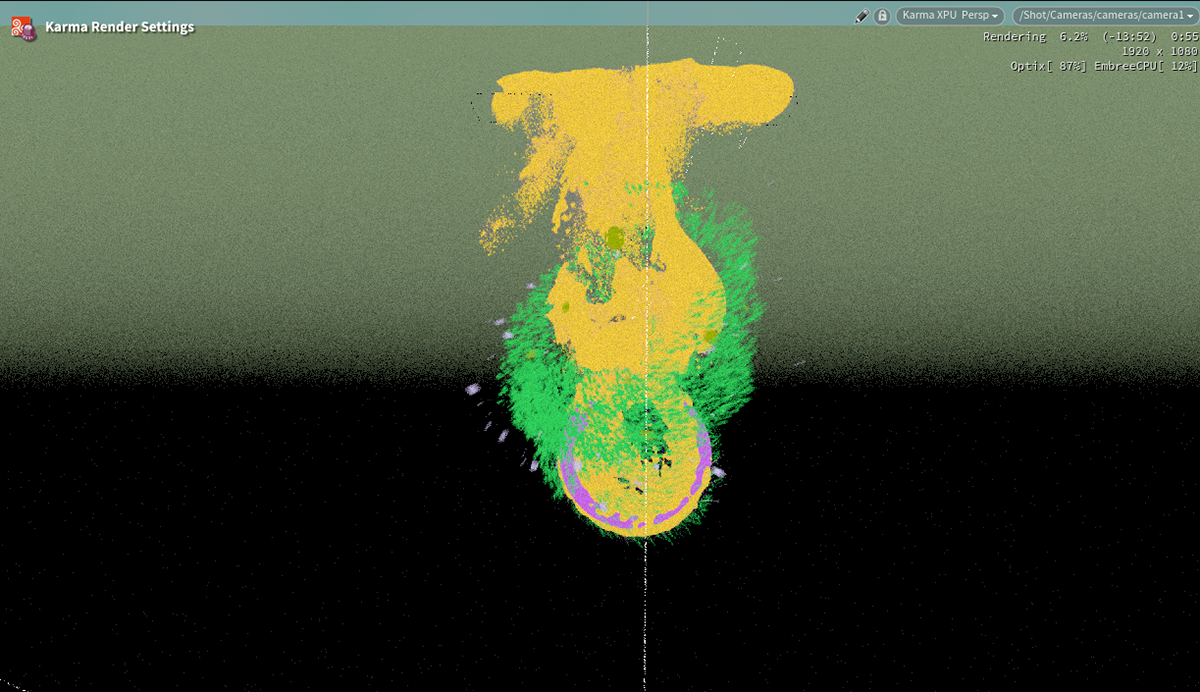
Cryptomatte Render View
Monty is closed and only now am I realizing that for whatever reason, the renderfarm is misreading the color space of my frame. This puts me in a really bad position because my personal computer definitely cannot render this shot
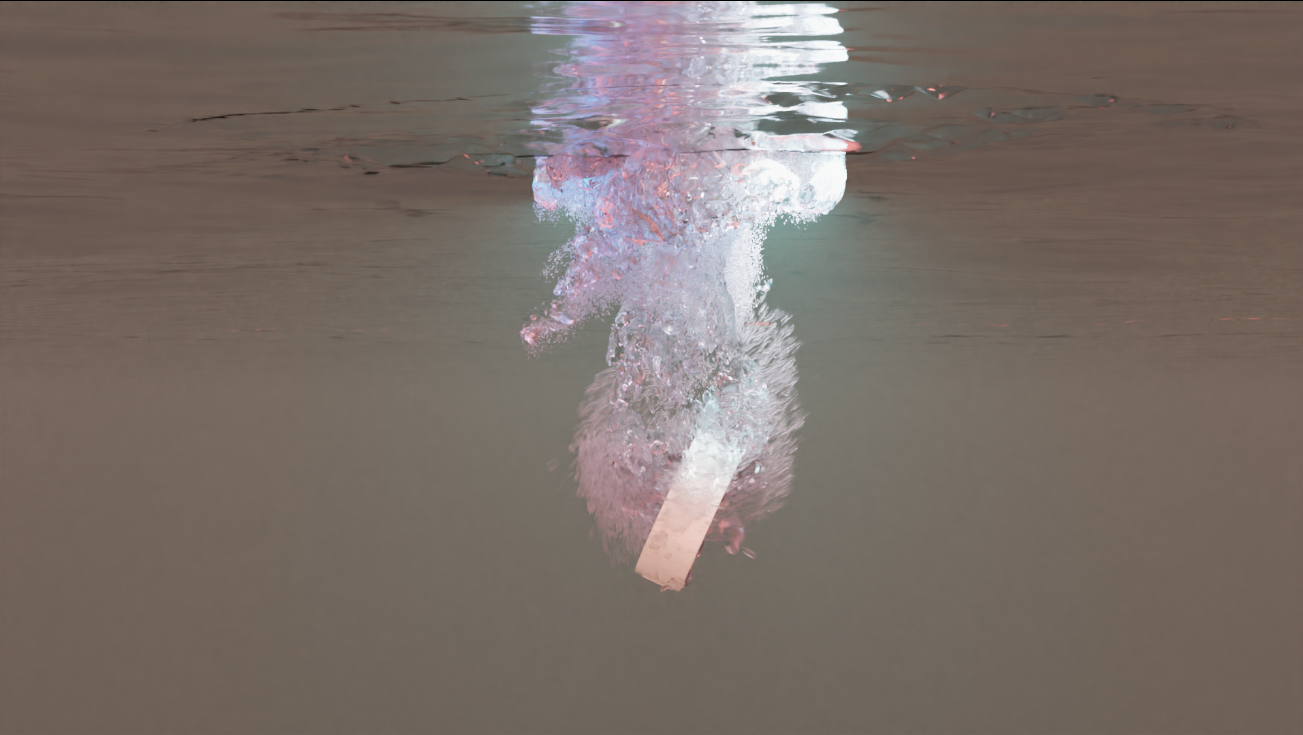
Renderfarm Error
________________________________________________________________________________________
1/30/2026
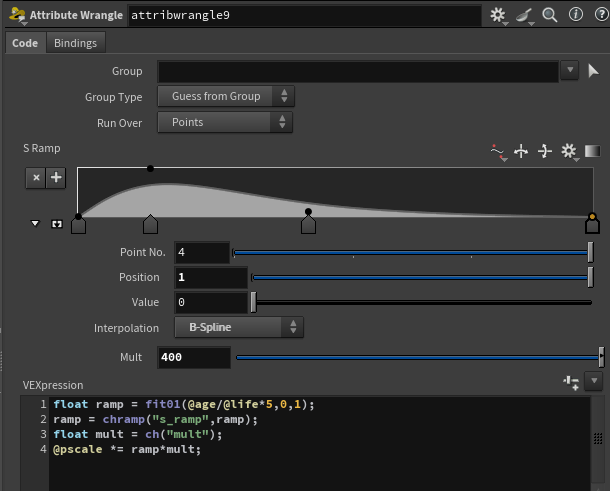
With the render issues out of the way, I moved onto adding secondaries to my impact bubbles. Using a wrangle node I gave myself full control over the pscale of the secondary bubbles; as well as having the bubbles scale with their life and age attributes(I gave myself a ramp to control this as well)
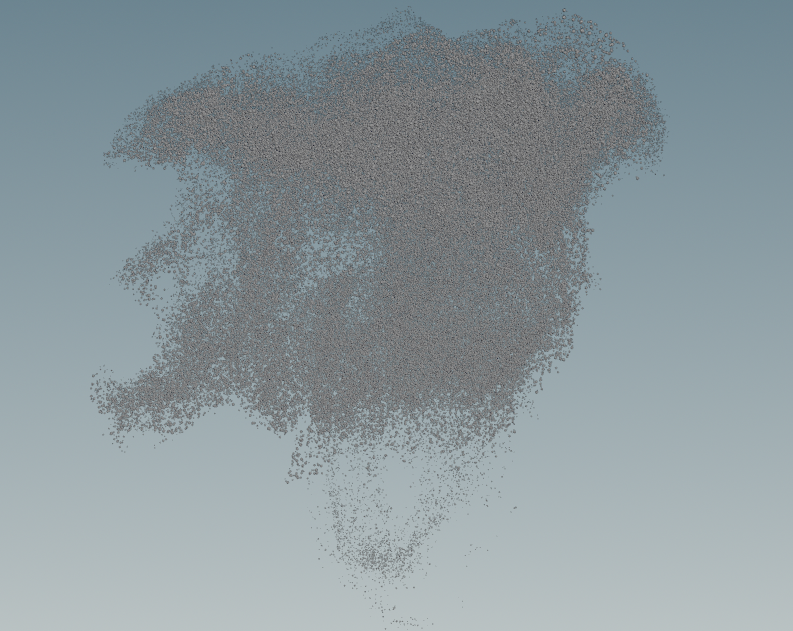
Viewport SS of Secondary Bubbles
Once I had those created, I offset the timing of these bubbles by 2 frames. The reason for this was so that the large impact bubbles would give off the impression of leaving a trail of small bubbles behind
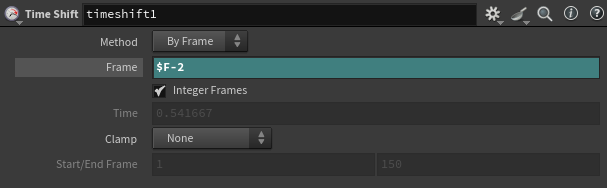
Secondaries
Secondaries with Primary Bubbles
Looking at my sims from this flat perspective is making me realize there is still some work to do on the PYRO sim that is sourcing these FX. It looks too wavy and not bubble-like. Luckily any change I make to the PYRO sim with automatically update the rest of my bubble sims
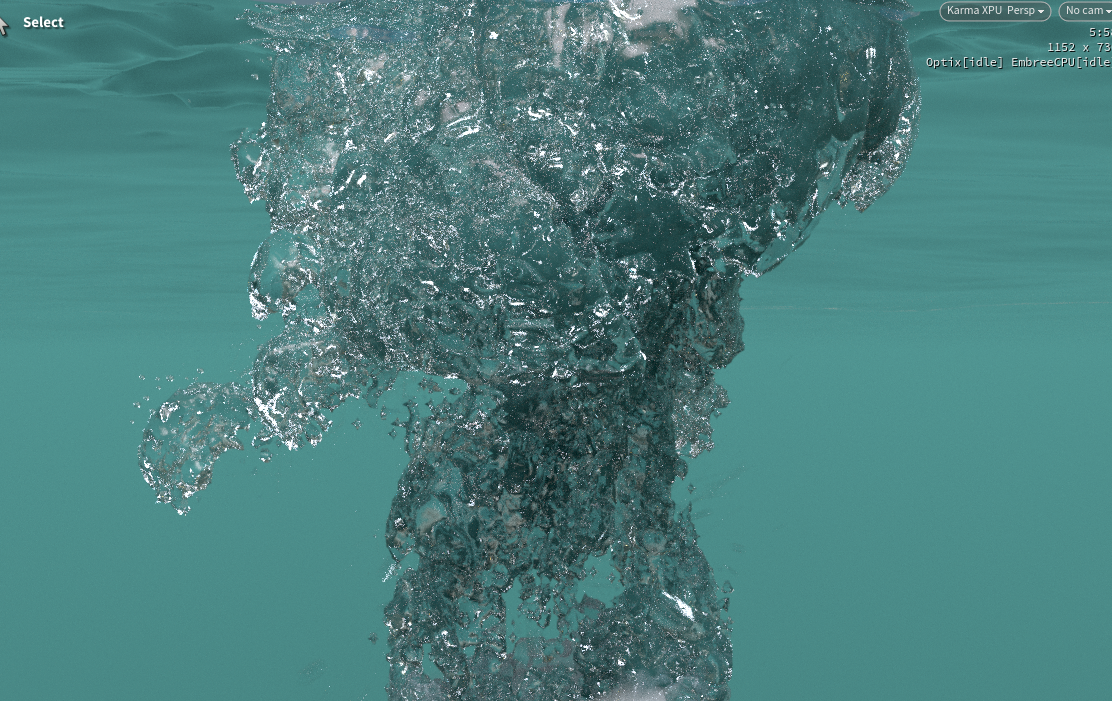
Old Impact Bubble Viewport Render
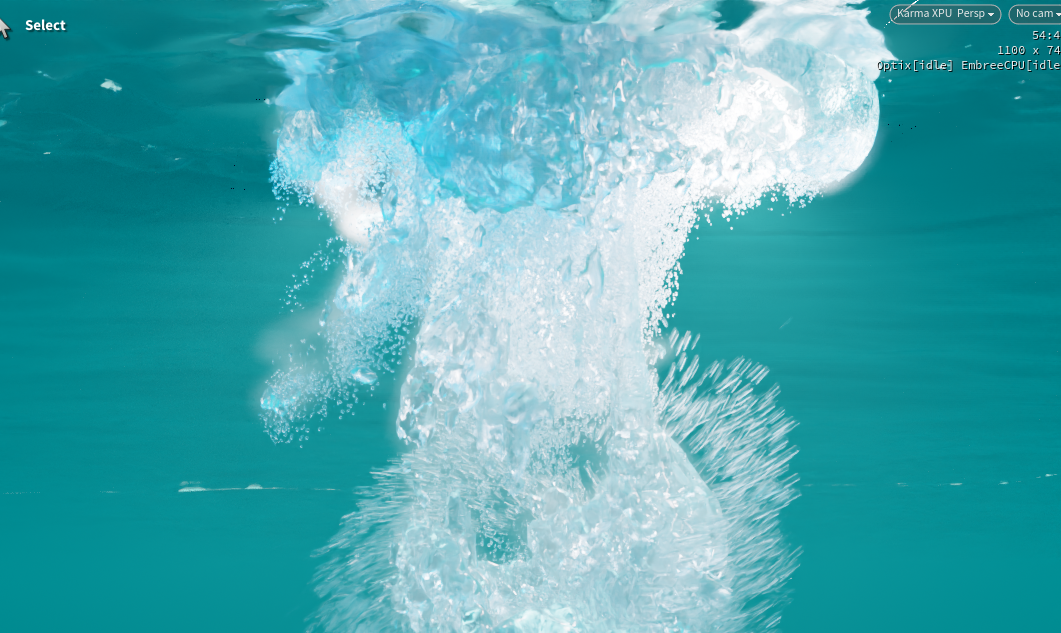
New Impact Bubble Viewport Render(With materials and lighting from Noelle Robertson)
________________________________________________________________________________________
1/28/2026
One of the main issues I am trying to get fixed as soon as possible is this strange render error I am receiving from the farm. It looks like all of my motion vectors are being stretched with my camera movement. I did not receive any comments on my shot from the mentors, so I am going to prioritize this issue today
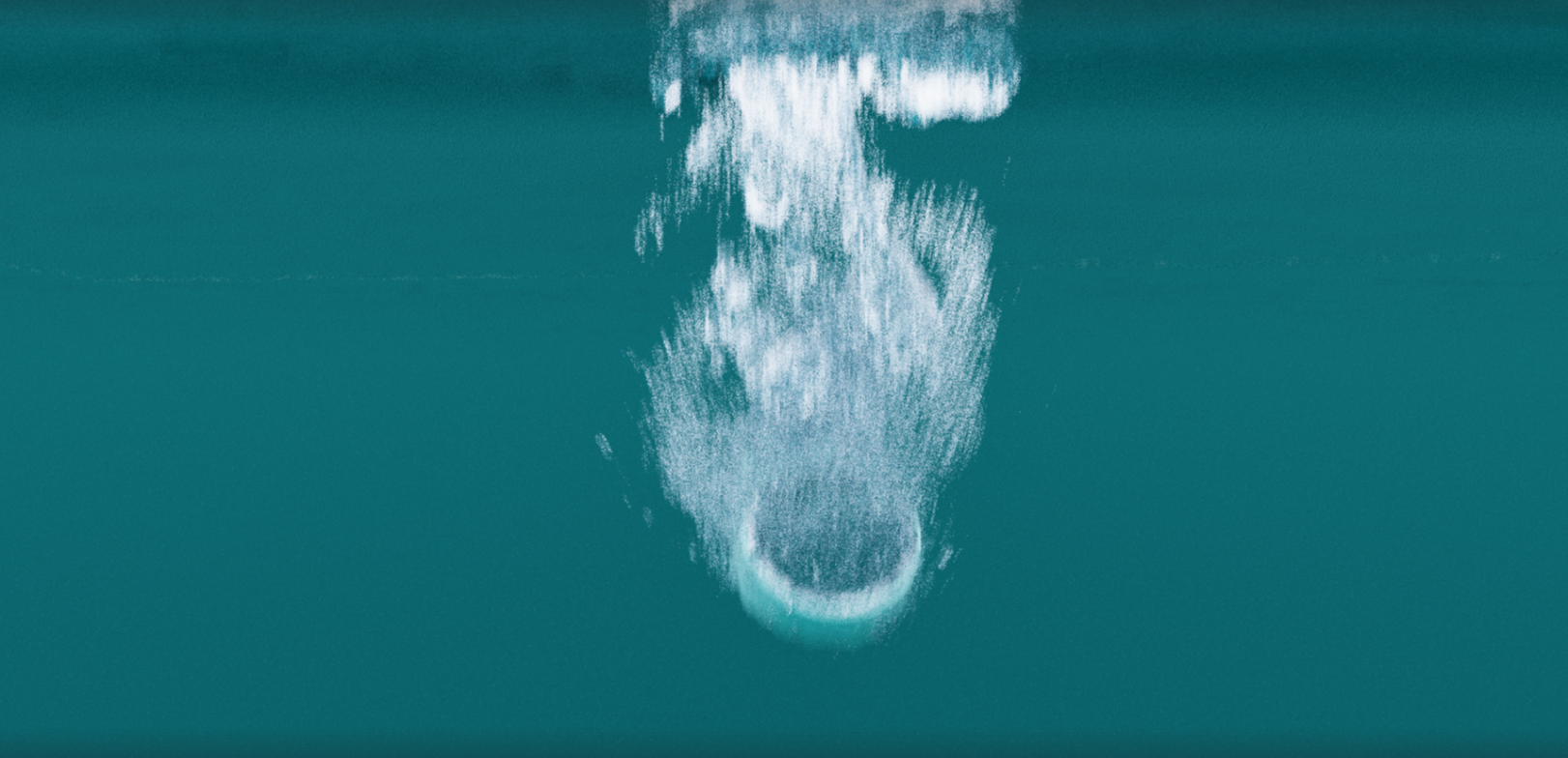
Render from the Farm

Render Locally
What I have realized after diving into it further is that it is neither a farm issue or a USD issue. If I cache my camera in any way, Houdini will apply this unwanted transform blur on my scene. This seems to be something Karma does by default when you cache a camera, with no clear off button. Now that I have narrowed down the cause, it is just a matter of finding a solution
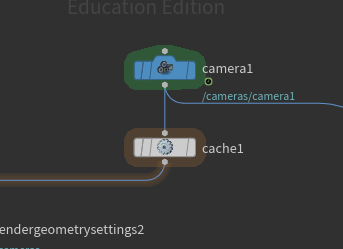
Cached Camera
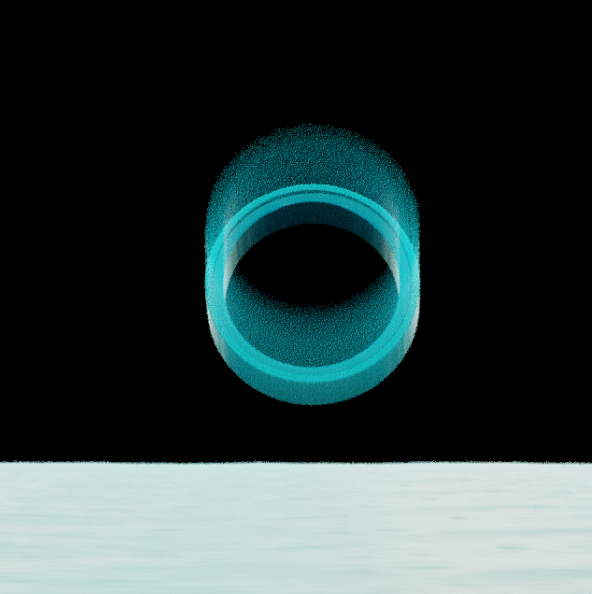
Houdini Viewport from Cached Camera
After a ton of trouble shooting, I came to the realization that if you deactivate Karma's "Motion samples from Stage" option, it allows you to control the time samples between the different types of motion blur. With this, all I had to do was change the Transform blur time samples to 1 to fix my issue
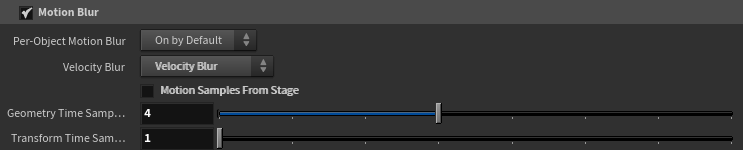
Inside the "Camera Effects" section of Karma render settings node
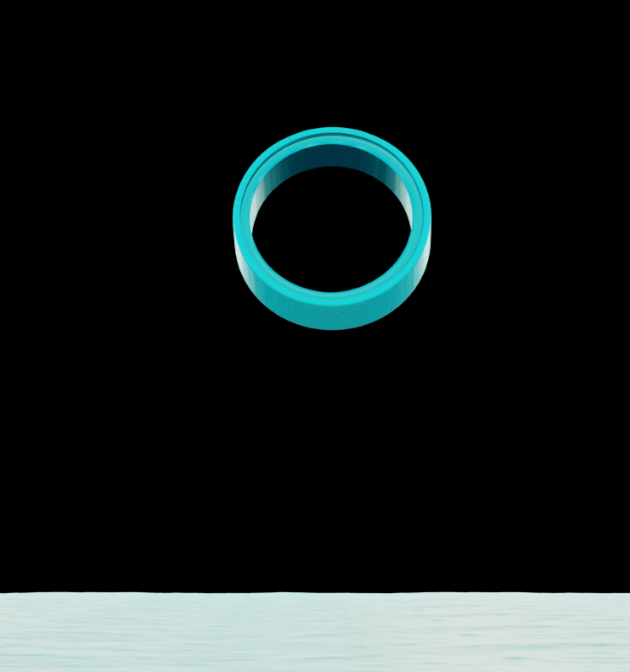
Houdini Viewport from Cached Camera