Mentor Comments
Kyle:
-Color palette is not working, what changed this week? Perhaps the yellow
background?
-Lighting on shot 1, maybe doesn’t need to be so frontally lit
-Linger too long at the end of shot 1
-Fix color space on shot 3
-Shot 3 feels like its catapulted, make the fx more gentle
-The way the ring drops in the water needs to be more graceful
-Everything is feeling too monochromatic in shot 2, maybe more vignette, maybe
more light rays
-Shot 4 looked better previously in terms of color
-I don't like yellow background
-Good job adding motion graphics
Beck:
-Shot 1 is too longer
-Lighting on shot 3 lighting is too bright
-Flower feels very stiff, need extra sim, needs to be more graceful
-Layer sims on flower, all of the flower moves
-Right now they feel like cardboard
Hailey:
-Do we still need the camera turning in shot 3? Maybe cut some time at the
beginning of shot 3
Kyle:
-I like the turn in shot 3
-The straight lines in shot 3 are not impactful
Hailey:
-Shot 4 felt more graceful before
-Yellow is not working
-What color works with the blues?
Beck:
-Match cut location is good, but because the color palette is so different it doesn't
feel like its linking
To Do
Shot 1:
-Develop lighting to look less flat (NR)
-Refine transition into shot 2 (CP)
-Change background and ring colors (WP, NR, CP)
Shot 3:
-Refine frost simulations (GS)
-Develop ring and leaf animation (GS)
-Refine flower model and simulation (GS)
-Refine Flower Textures and Lighting (NR)
Shot 2:
-Reduce bubble amount on impact(Me)
-Make adjustments to camera(Me)
-Alter Ring and Water colors(Me)
-Create Light rays for implementation(NR/Me)
Shot 4:
-Update cloth material (NR)
-Refine simulation and timing (CP)
-Change ring and background colors (NR, CP)
-Change lighting scenario (NR)
Shot 5:
-Develop the lighting more(NR)
-Fix animation according to mentor feedback(Me)
________________________________________________________________________________________
2/13/2026
Today I spent a large portion of time rendering out Shot 2. While I was doing that I also went into Shot 5 in order to make some slight animation changes. These changes included slight camera change, light glow, and making the ring roll at the end
Updated Shot 5
With the shots rendered out, we took the time to quickly slap our renders together and compare our colors from last week to now. Overall we were very happy with the changes, certain shots will need to be enhanced in post but I believe the mentors will be happy with the change
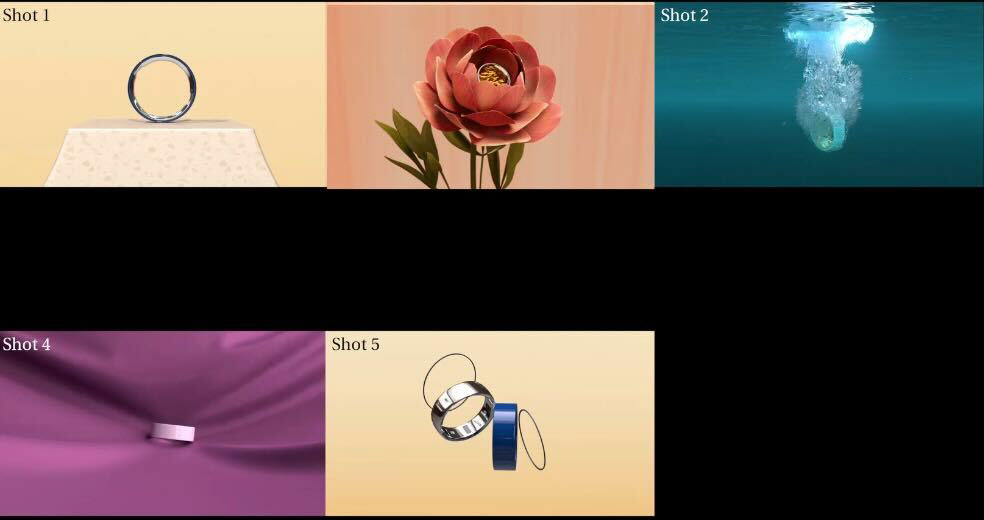
Last Weeks Quilt
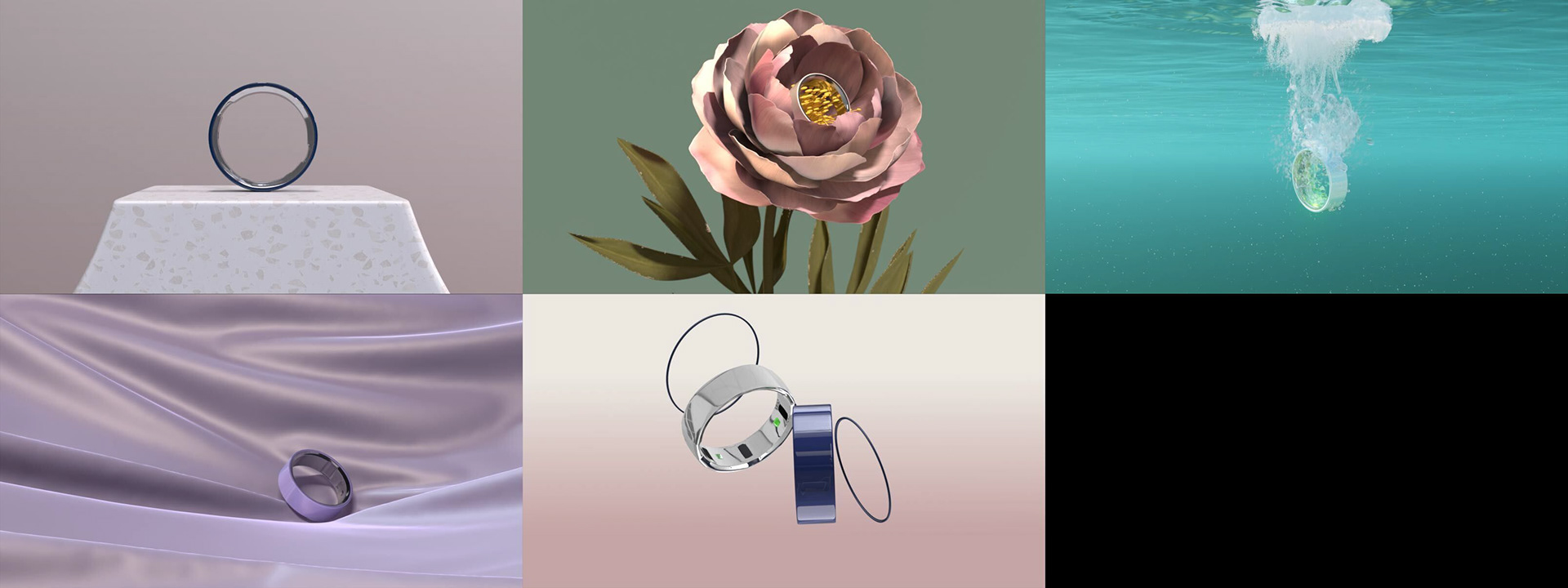
New Quilt
________________________________________________________________________________________
2/11/2026
After our critique this Tuesday, our team came to the conclusion that there had to be a major overhaul on our colors. Right now they are too contrasted and saturated, so this week a lot of our time will be spent making these necessary changes
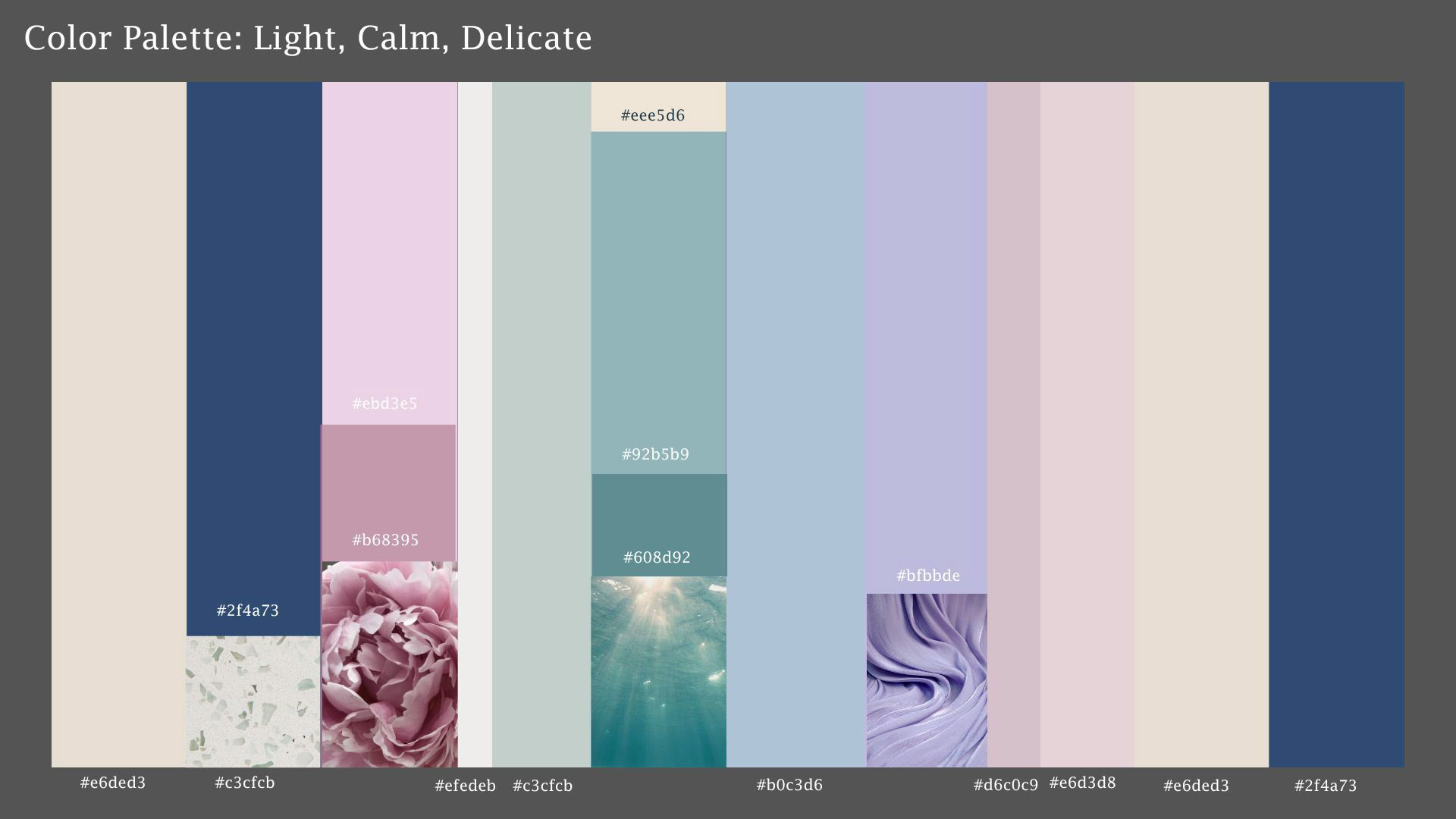
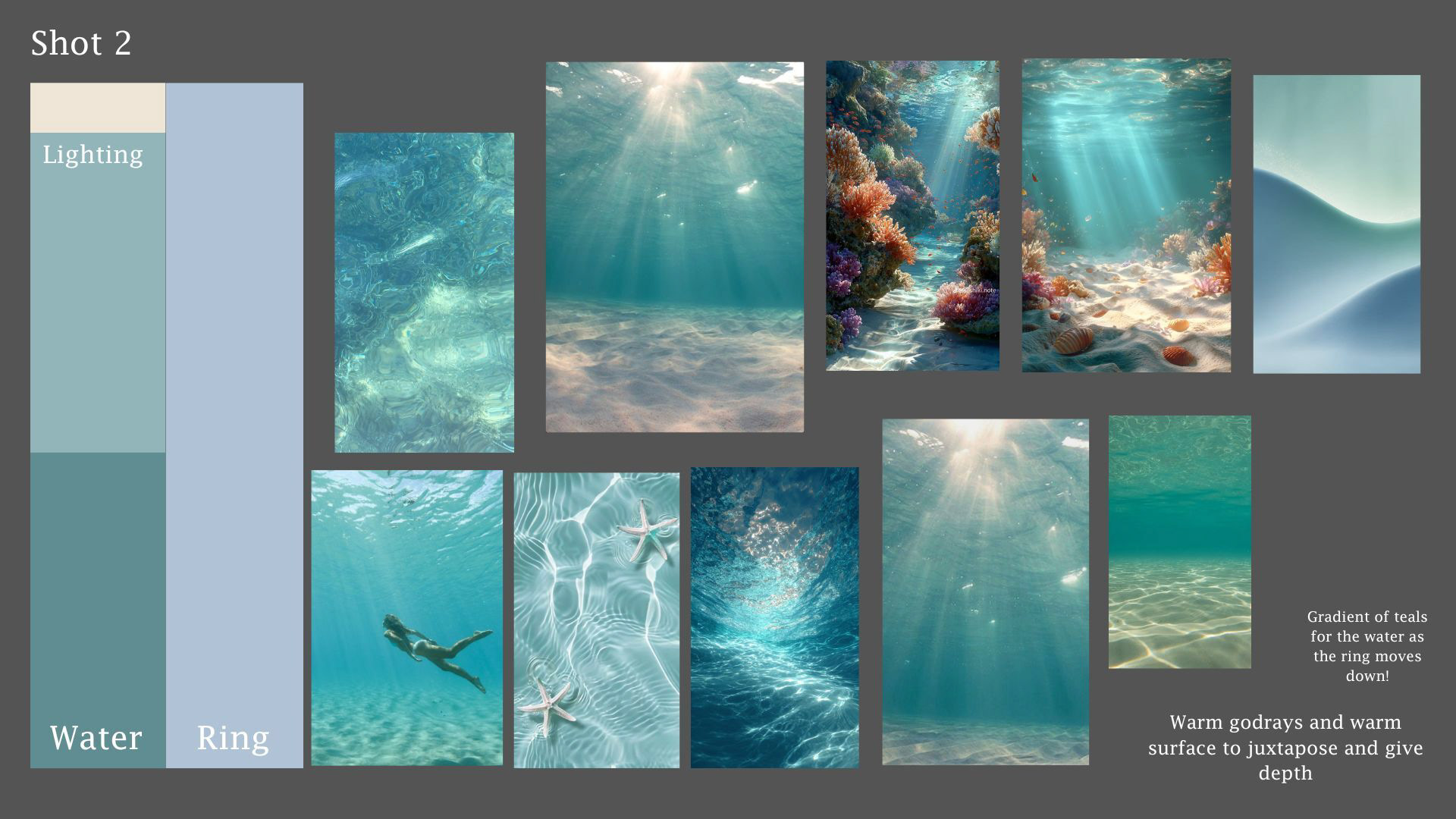
New Color Palette and Mood Board made by Gracie
I realized a lot of the issues regarding my color wasn't necessarily my lighting, but the color of my underwater volume! By changing the color of the volume to a brighter tone, it changed the entire shot
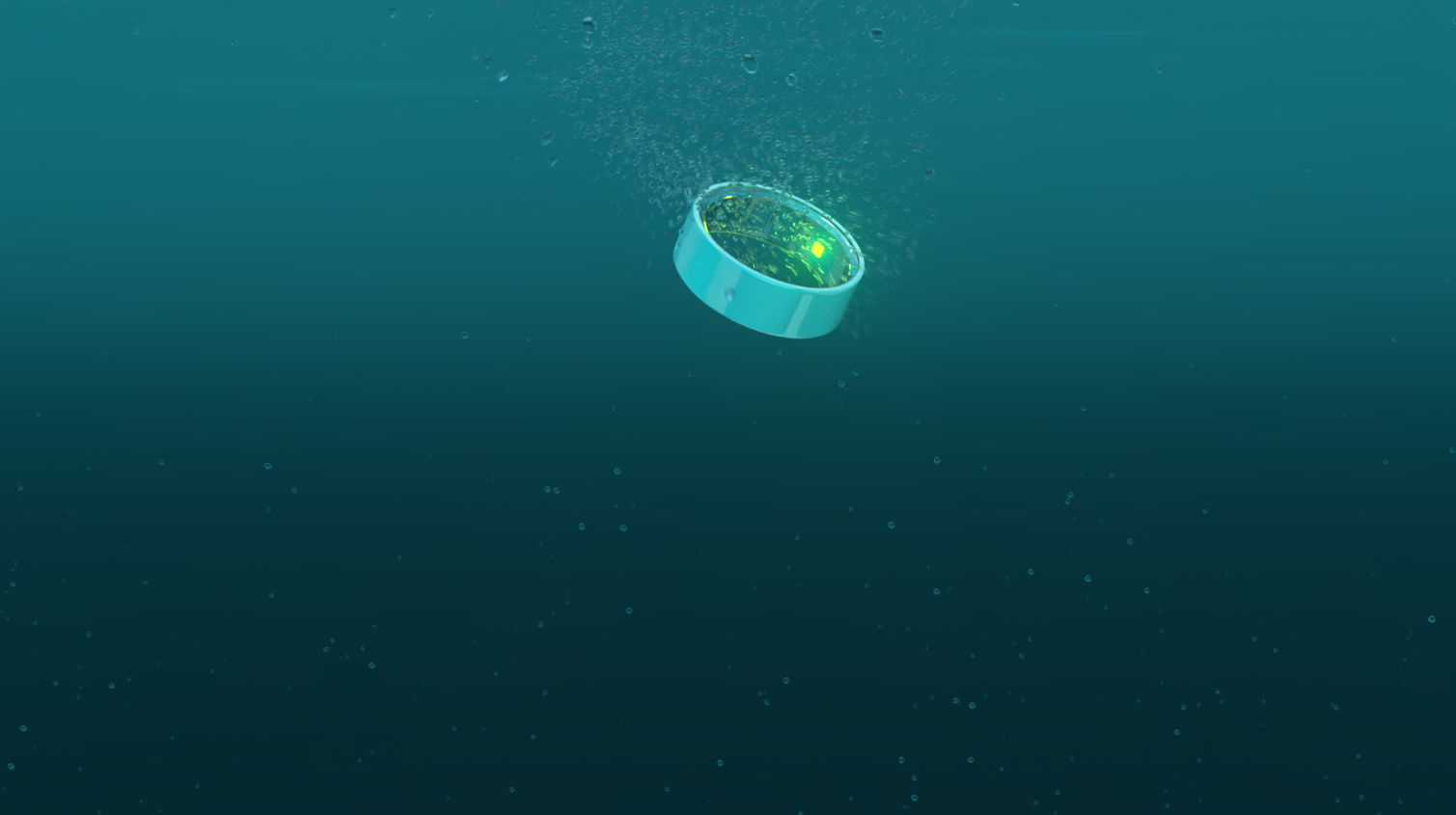
Last Week Iteration
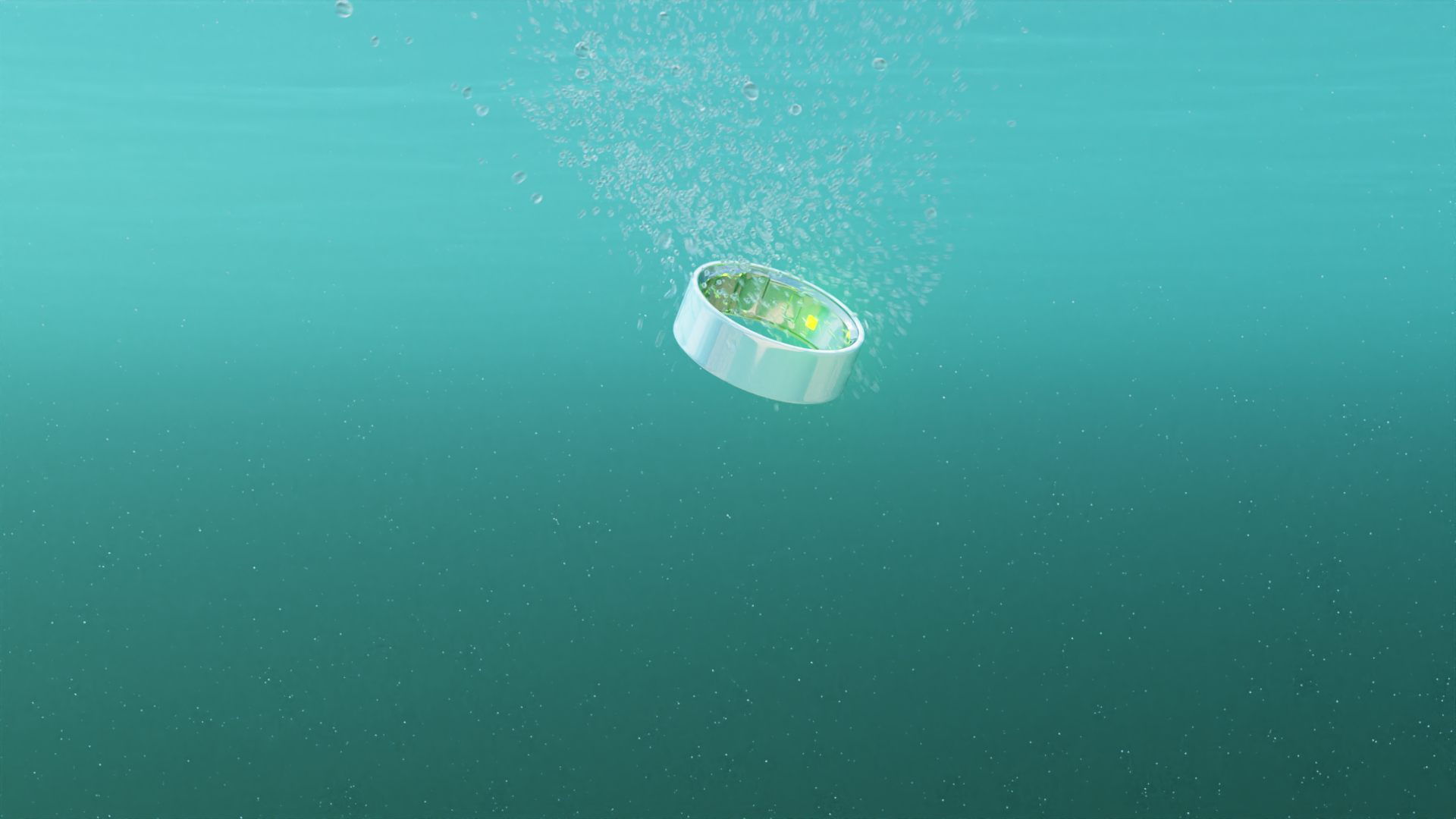
New Iteration
Along with that, I wanted to follow up one of Billy's comments regarding the 'amount' of bubbles within the scene. I decided to lower the total number of bubbles to make the shot feel more accurate to scale
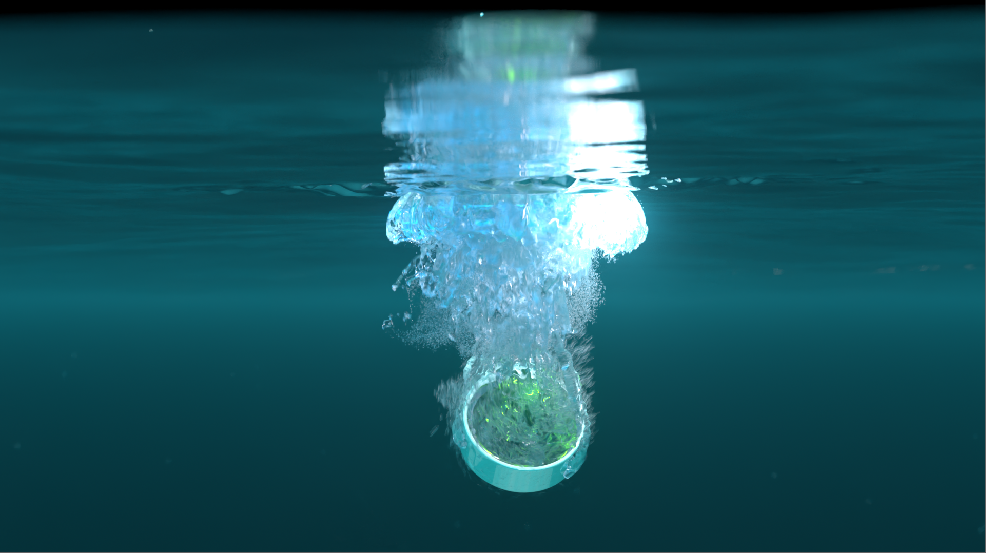
Last Week Iteration
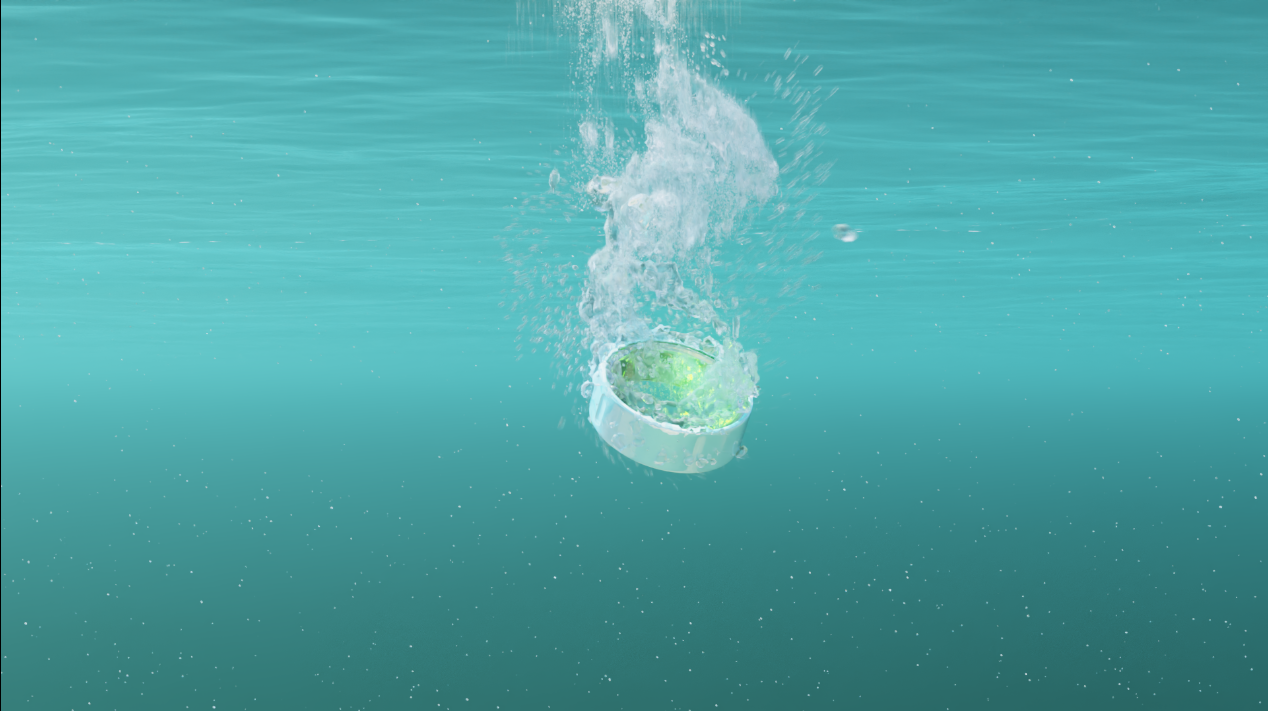
New Iteration
________________________________________________________________________________________
2/10/2026
Something that needed to be changed about shot 2 is its depth. Right now the shot appears a little flat. Something we have been wanting to add for a while now is light rays to the background, the mentors appear to agree. So that was my top priority for this week
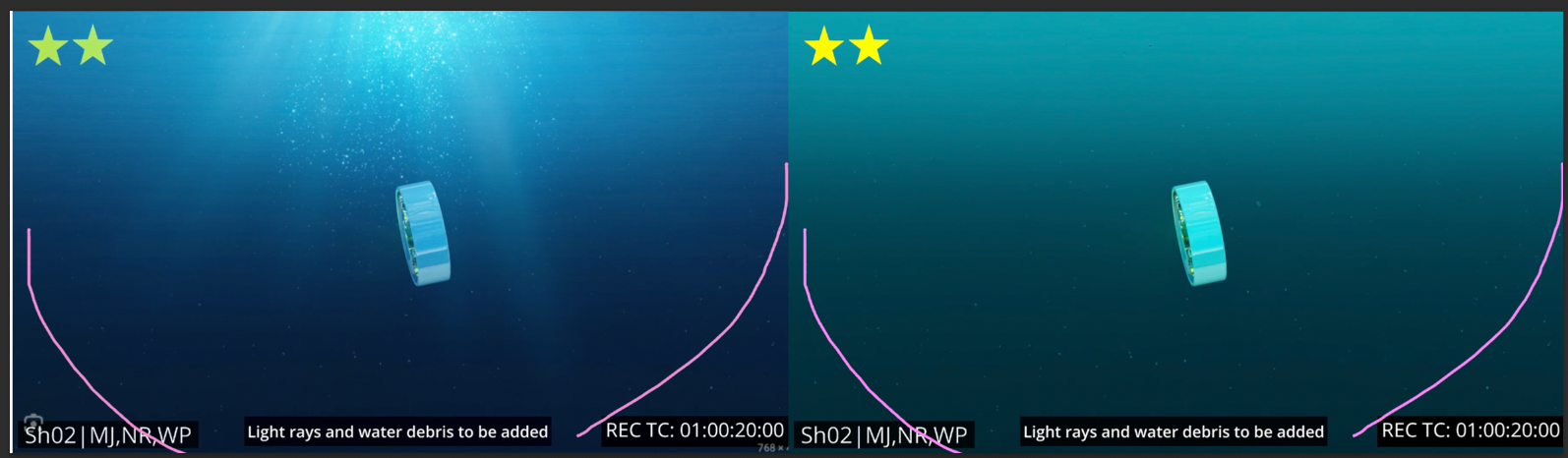
Billy's addition to Shot 2
Using the Geometry that Noelle so kindly provided for me, I altered the faked volume rays to fit my scene better

Node Graph
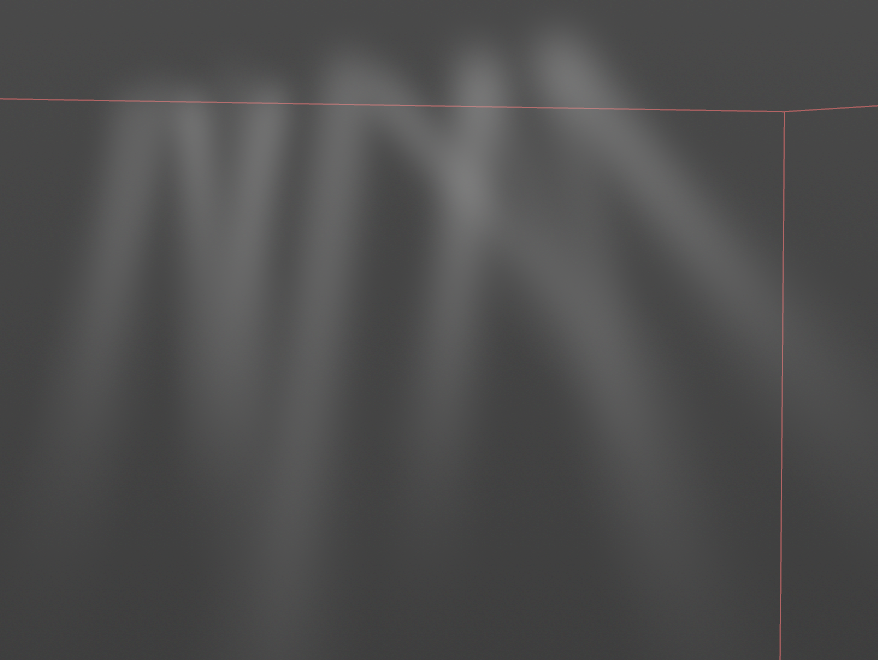
Rays in Viewport
Flipbook to see how the Rays look on camera
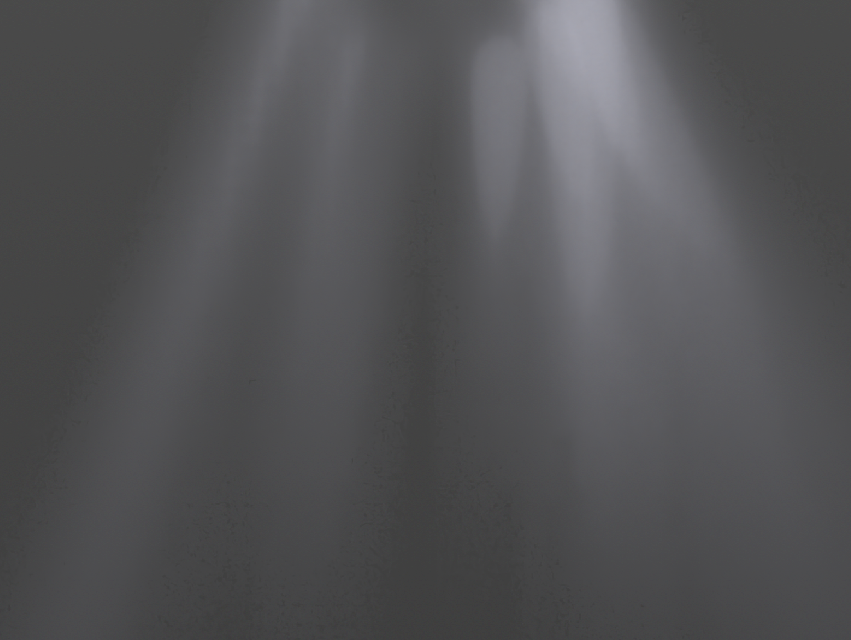
Render Screenshot of Rays in Solaris